Gaming overlays
Any window or cropped region, always on top of windowed and borderless games. Click-through and one-key show / hide.


Pick a video call, a live chat, a video or part of a game, crop what you need and keep it live on top of your game, in a clean window for OBS, or in a composition.
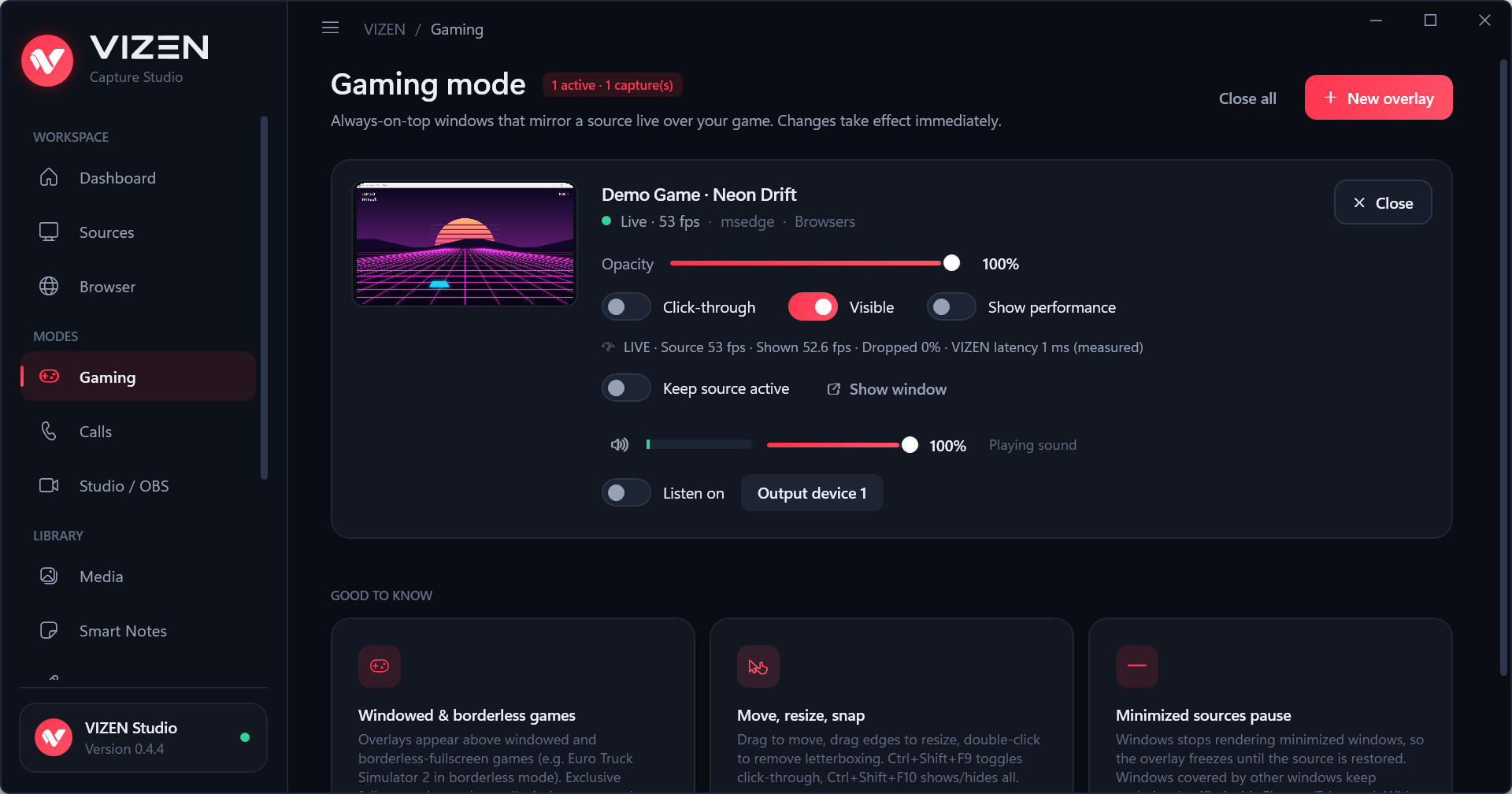
Built on the same capture technology as the Windows Snipping Tool and OBS, measured frame by frame.
Any window or cropped region, always on top of windowed and borderless games. Click-through and one-key show / hide.
Discord, Zoom, Teams, WhatsApp and browser calls found automatically. Mirror the call or crop each person.
Clean windows for OBS Window Capture, exact sizes, chroma key, and compositions with logos, GIFs and videos.
Draw arrows, shapes and text over anything. Notes and checklists that float over your desktop and games.
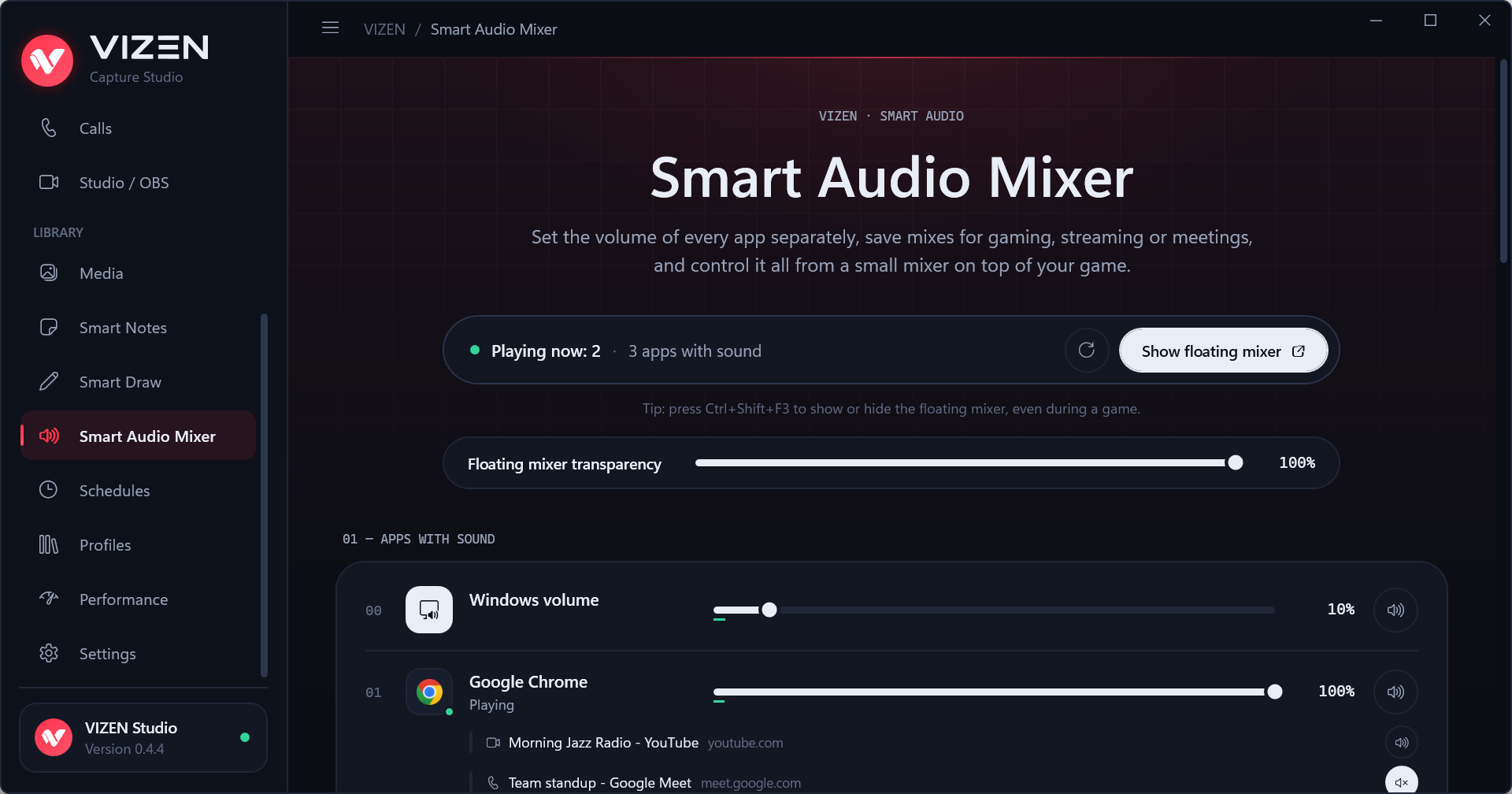
A volume for every app, profiles, a floating mixer, and Smart Audio Focus that lowers your music while friends talk.
With the free VIZEN Connector for Edge and Chrome, each tab is its own source: switch, mute, pop out or mirror it live.
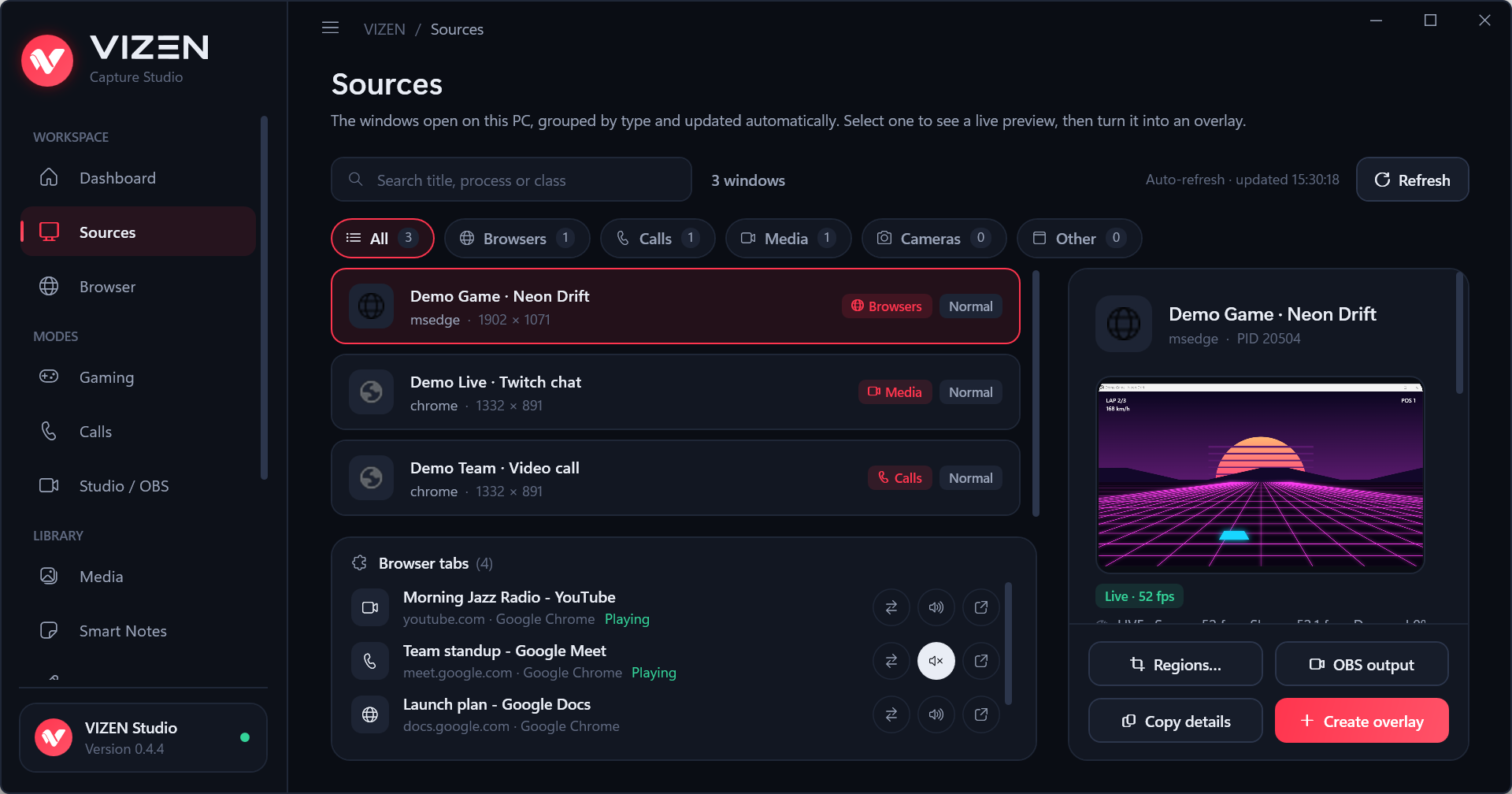
Windows are grouped into Browsers, Calls, Media, Cameras and Other, with a live preview of the one you pick.
Set every app's volume, save mixes for gaming, streaming or meetings, and control them from a small floating mixer.
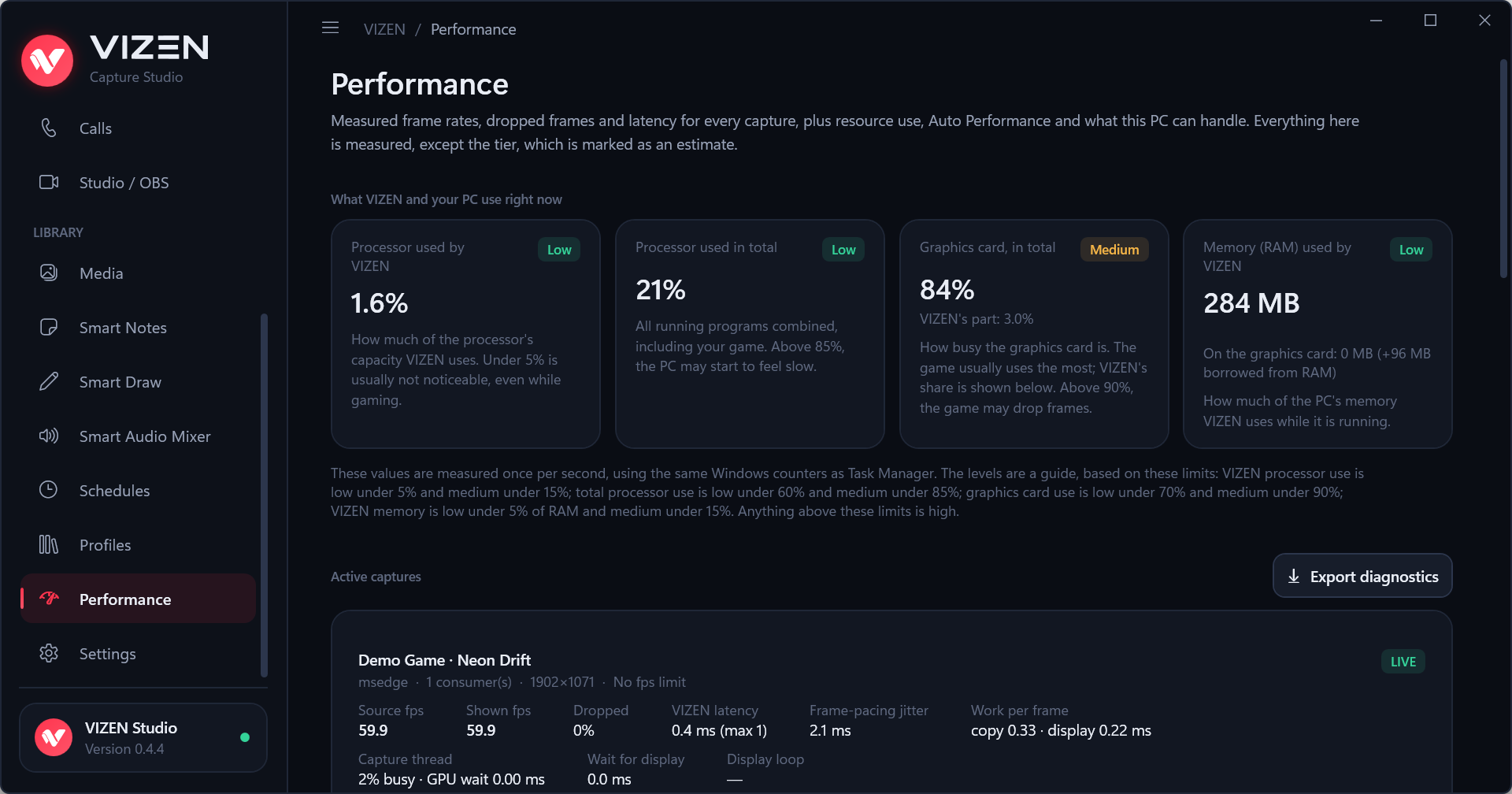
Source and display frame rate, dropped frames, latency and frame pacing for every capture, plus the CPU, GPU and memory VIZEN uses.
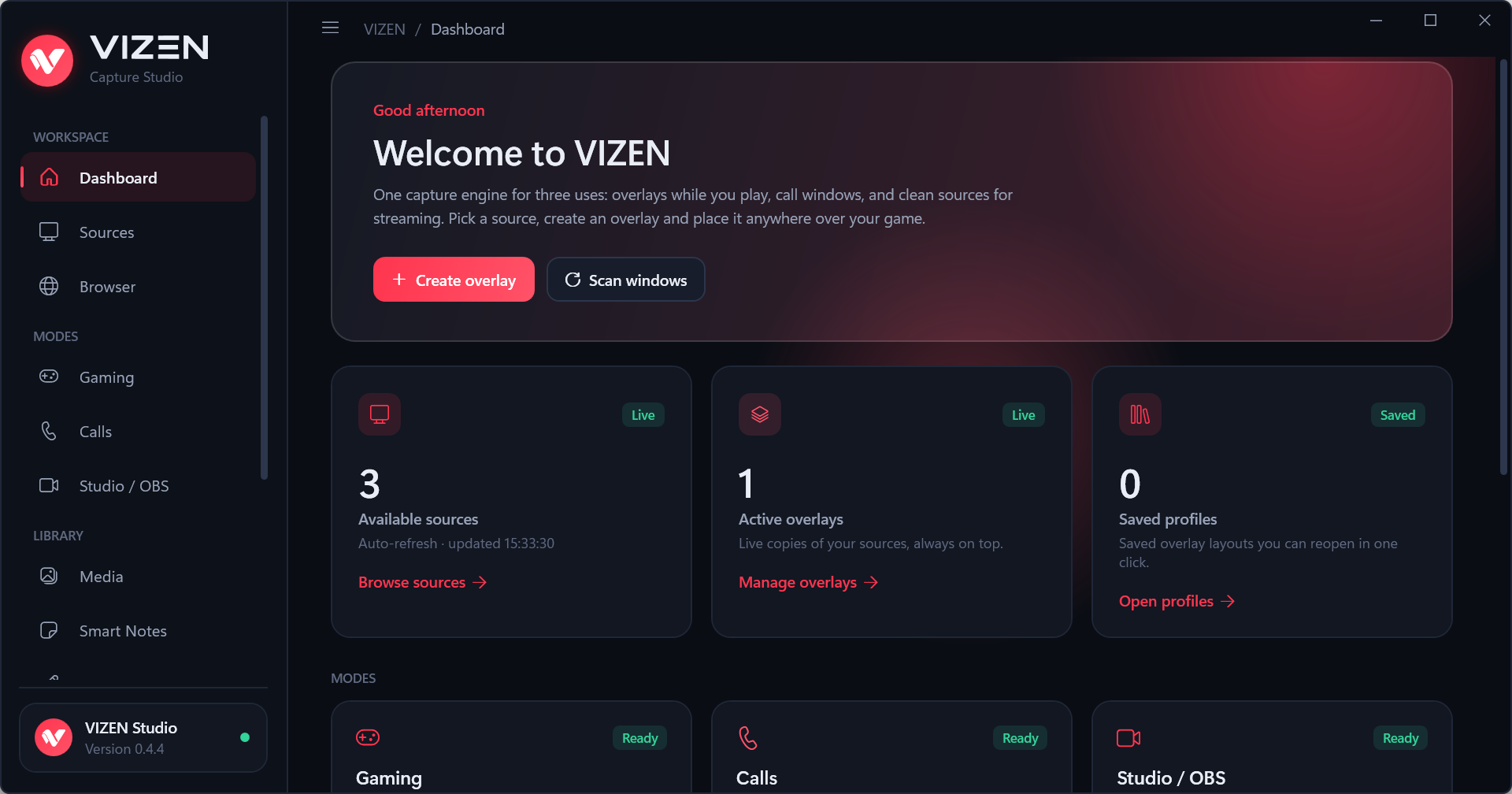
VIZEN's overlays are ordinary always-on-top windows, like the ones Discord, Steam or NVIDIA show.
Run games in windowed or borderless mode. No one can promise how every anti-cheat decides; VIZEN does none of the things they ban for.
VIZEN is free software under the GNU GPL v3. Anyone can read the code, check what it does and help make it better.
Windows 10 (2004 or later) or Windows 11, 64-bit, with DirectX 11 graphics.
The latest version from GitHub. VIZEN checks for updates itself, verifies them and installs them only when you say so.
Download VIZEN-Setup-x64.exeVersion 0.4.6 · 56 MB · release notes & SHA-256
The installer is not code-signed yet: if Windows shows "Windows protected your PC", choose More info → Run anyway.
Signed by Microsoft, installs in one click and updates automatically.

Optional browser extension: every Edge, Chrome or Brave tab as its own source. Shares only tab titles and site names, only with VIZEN on your PC.
Get it for Microsoft Edge Chrome Web Store| Minimum | Recommended | |
|---|---|---|
| Windows | Windows 10 version 2004 (build 19041) or Windows 11, 64-bit | Windows 11, 64-bit |
| Processor | Intel Core i3-6100 / i3-8130U, AMD Ryzen 3 2200G or newer (4 threads) | Intel Core i5-10400 / i5-8250U, AMD Ryzen 5 3600 / 5500U or newer (8 threads or more) |
| Memory | 8 GB RAM | 16 GB RAM |
| Graphics | DirectX 11 with hardware acceleration (integrated is fine) | Dedicated graphics card, or a recent integrated one |
| Disk space | 250 MB | 250 MB |
| What to expect | One or two overlays at 720p, 30 fps | Several 1080p sources at 60 fps |
Browser sources use Microsoft Edge WebView2 (built into Windows 11 and most Windows 10 PCs). VIZEN Connector needs Edge, Chrome or Brave 116 or later. The Performance page in VIZEN measures your own PC.
Yes. VIZEN is free and open source (GNU GPL v3), with no ads, no account and no paid features.
It works with windowed and borderless (fullscreen windowed) games. Exclusive fullscreen draws directly to the screen, so no window can appear over it without injecting into the game, which VIZEN never does. VIZEN tells you when it detects exclusive fullscreen.
VIZEN never touches the game: no injection, no memory access, no input automation. Its overlays are normal windows, like Discord's or Steam's. Nobody can guarantee every anti-cheat decision, but VIZEN does none of the things they are known to ban for.
No. There is no telemetry and no account; settings stay in your user folder. See the privacy policy.
The Microsoft Store version updates through the Store. The installer version checks vizen.ro and GitHub, verifies the digital signature and the file, and installs only after you confirm.